My Lifestyle Hub
Features · Your room
A room of your own, in 3D.
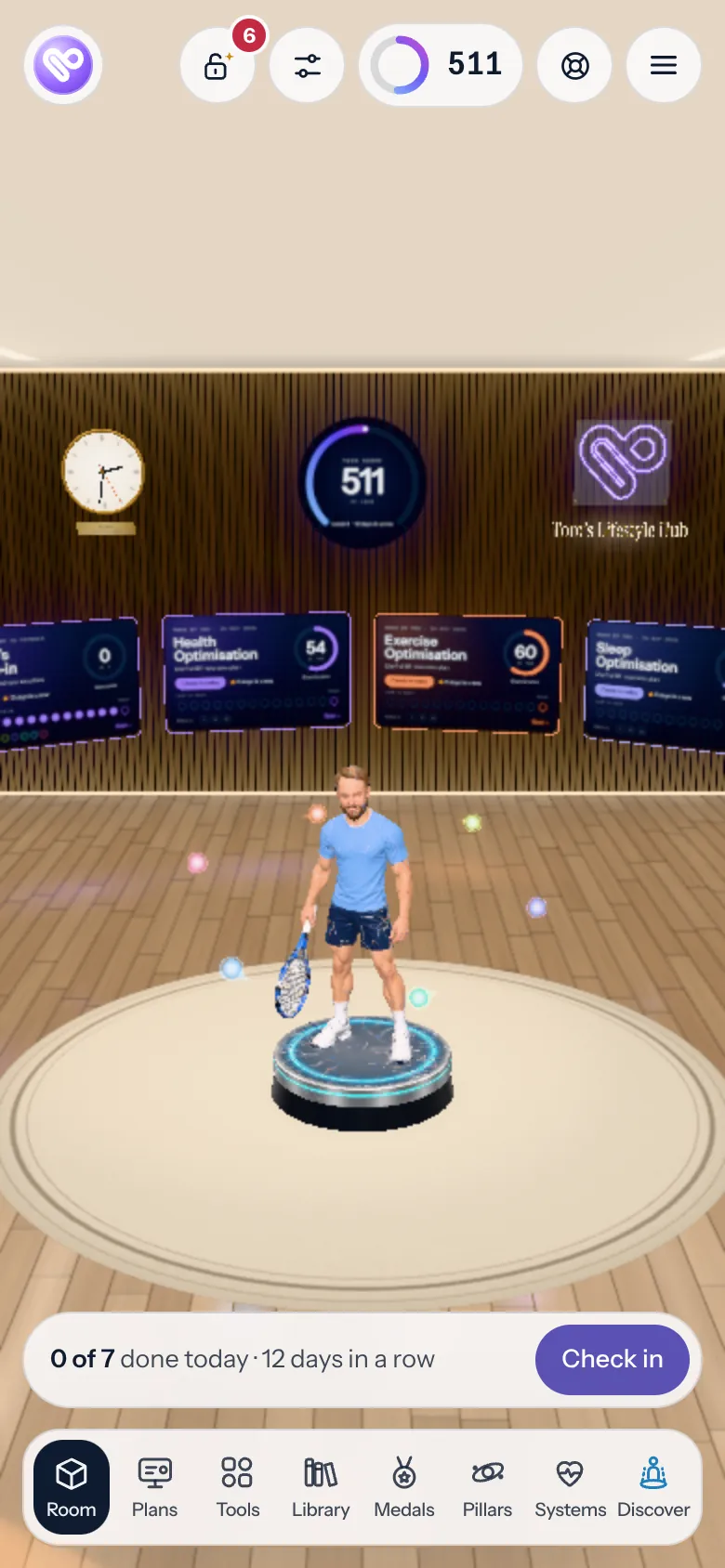
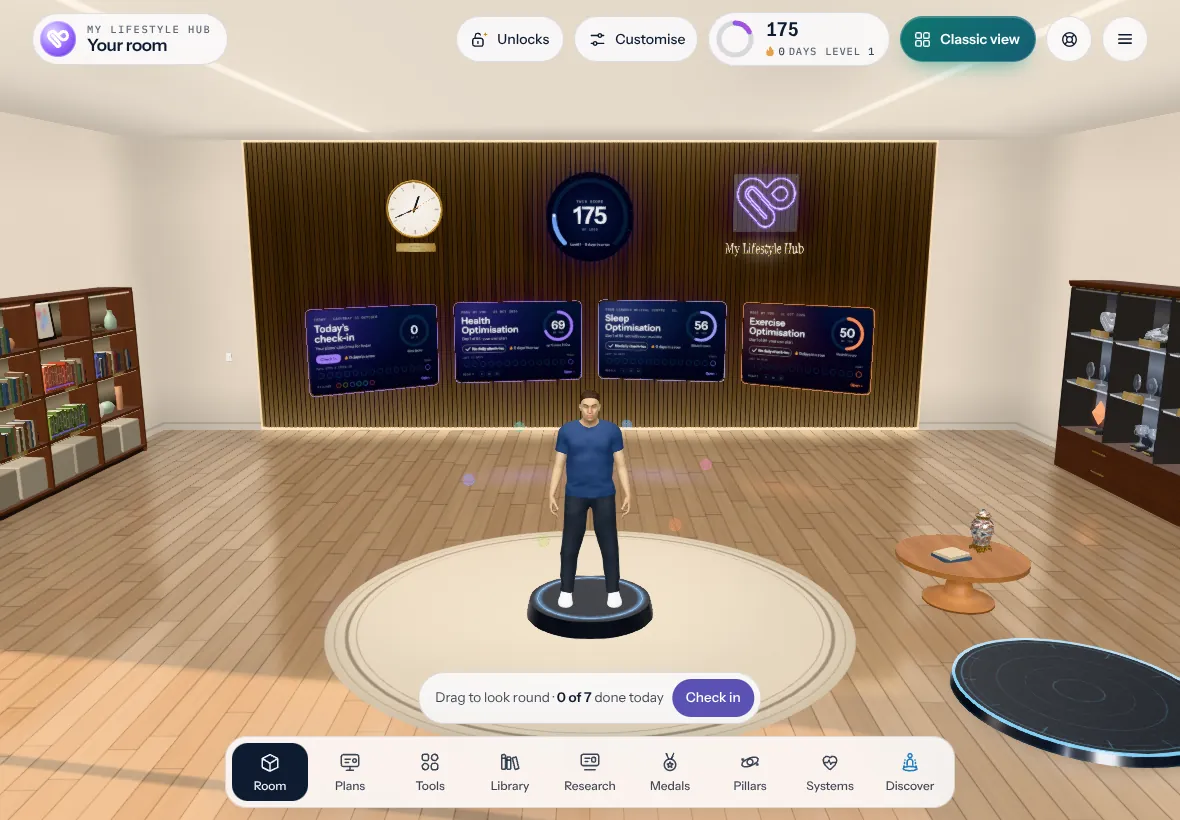
Everything in My Lifestyle Hub, in one room you can walk round: your twin, your plans, your tools, your research, your medals and your lessons. This is the real room from the app, with a sample member’s plans. Build it, then tap it to look round.

3D · from the app itself
Building your room 0%
- Fetching your room
- Laying the floor
- Putting up the walls and screens
- Lighting it for the time of day
- Bringing your twin in
The real room from the app, with a sample member’s plans. Usually 10 to 20 seconds.
The 3D room is about 46 MB.
Tap or click the room to explore itExploring: drag to look round. Scroll the page from outside the room
What’s in it
Walk up to anything.
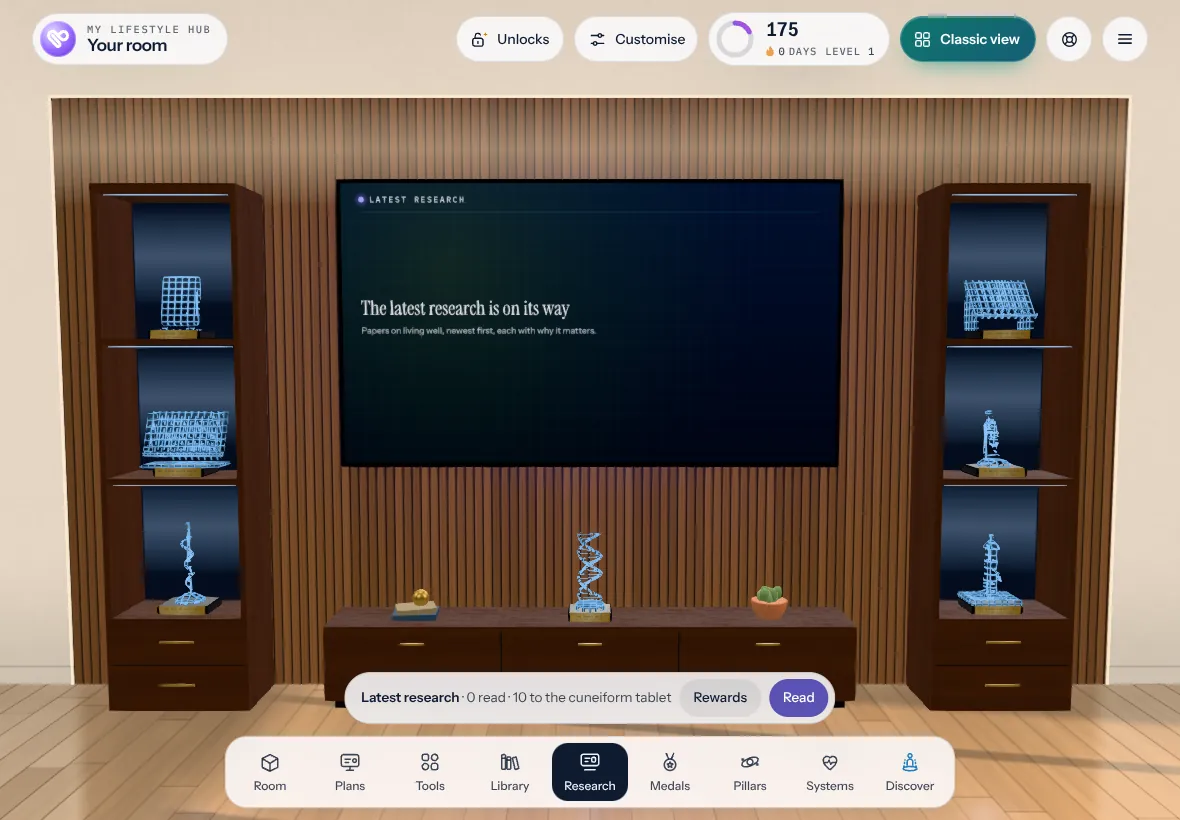
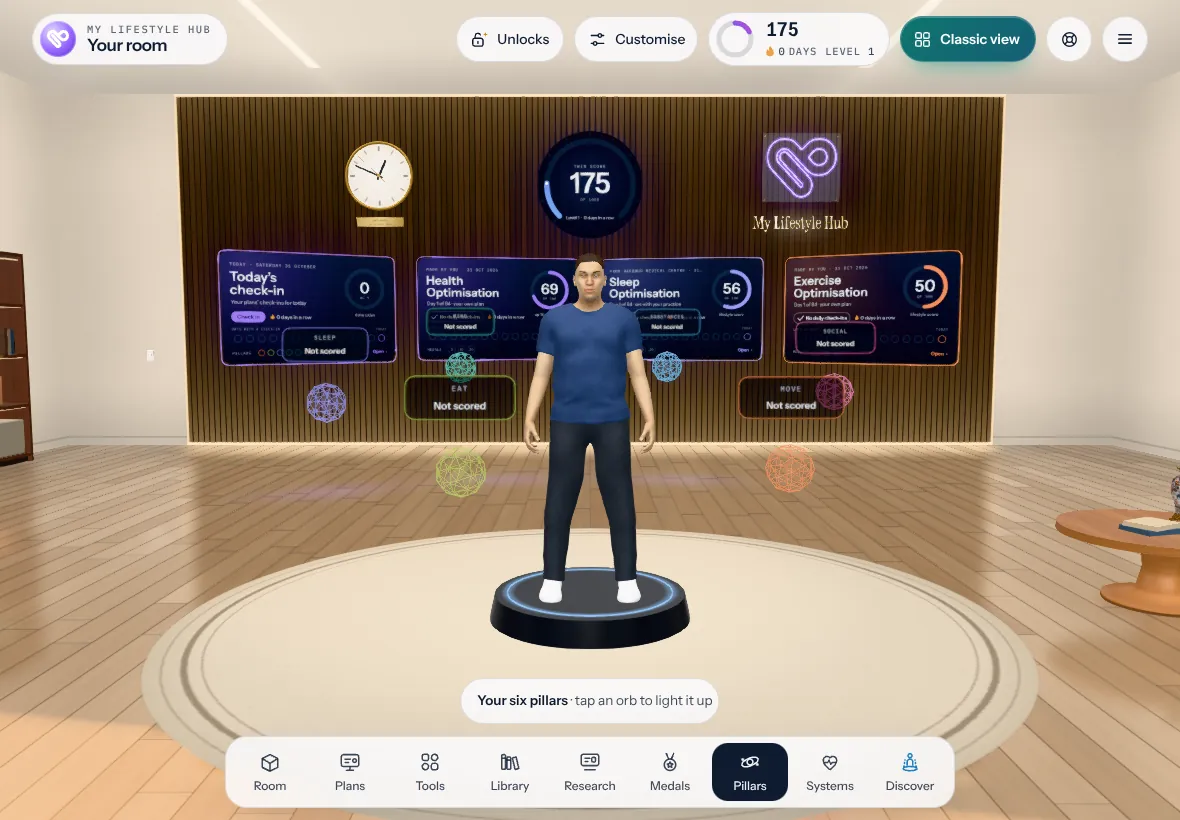
The bar along the bottom takes you to each part of the room: Room, Plans, Tools, Library, Research, Medals, Pillars, Systems and Discover.
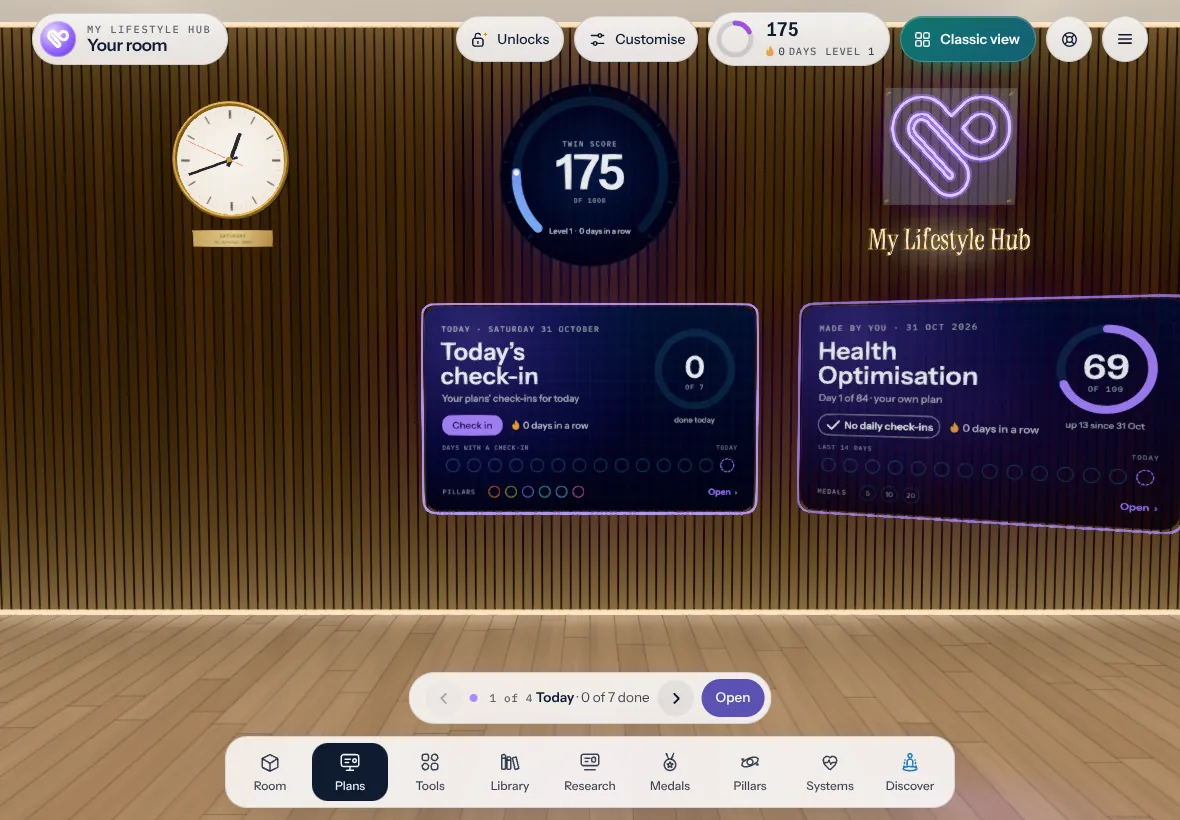
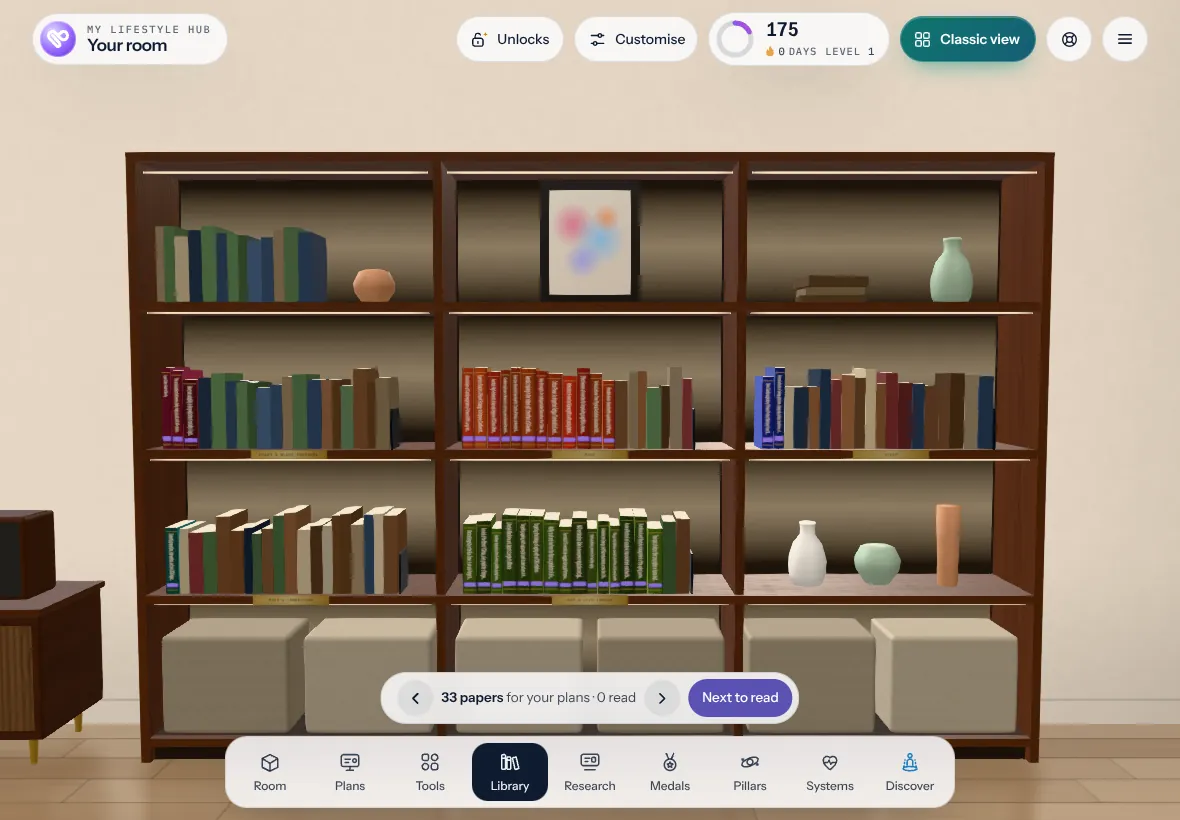
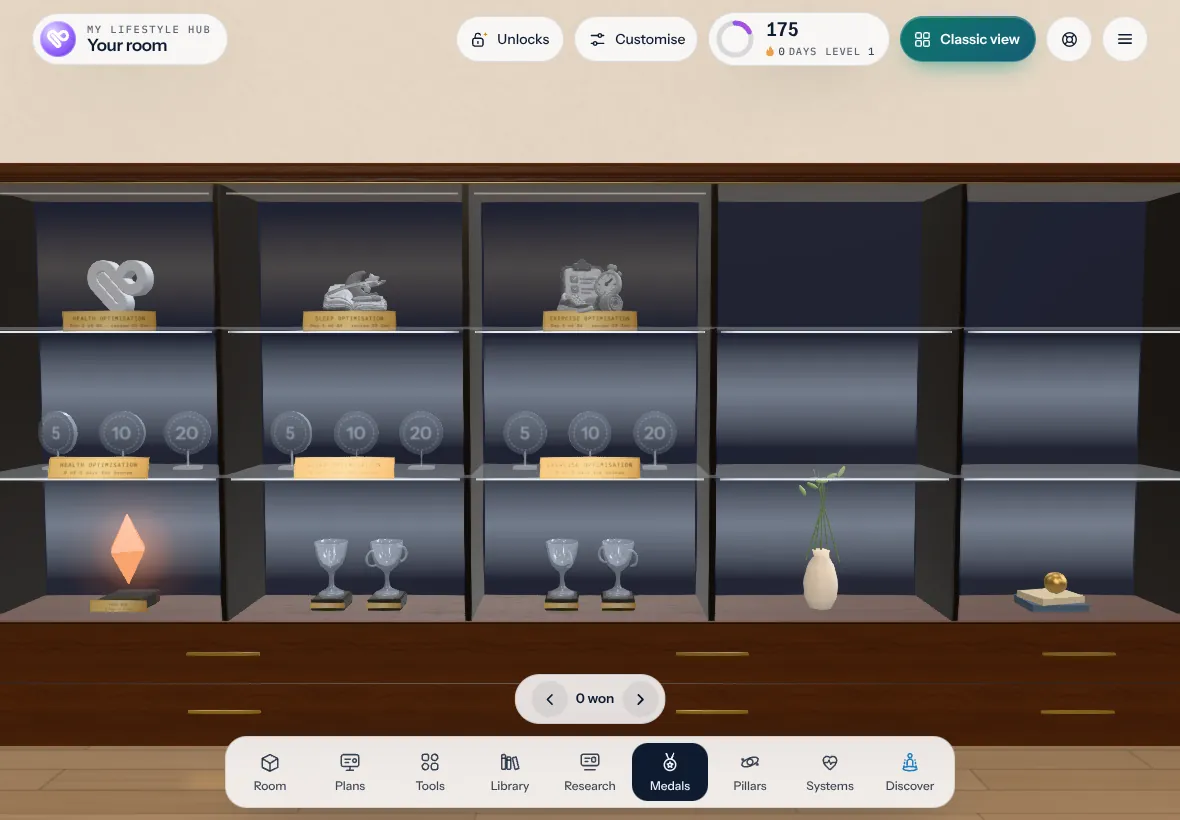
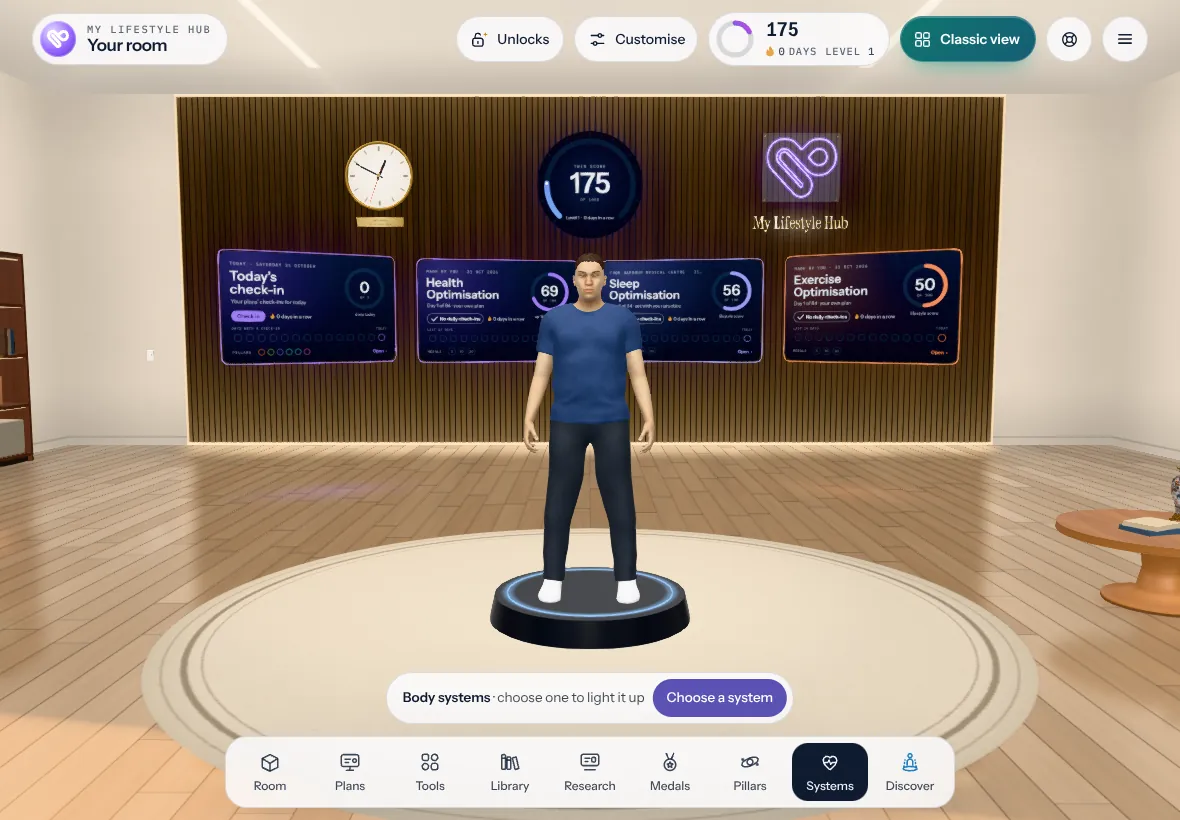
And more
Make it yours.
- The Learning Pod, in the corner behind you: lessons on how your body works, each chapter a 3D model to turn and try.
- Ernie, in his base in the middle. Tap it and he rises out of it to answer you, with the lesson you ask about beside him.
- Tools to walk up to, the ones your plans bring, and the latest research on a screen of its own, with rewards for reading.
- Customise it, unlock things as you go, and switch to the classic view whenever you like.